01 · Discover the libraryThe Bible and its books
What you’ll learn
In this chapter · 2 topics
From the library to the book you need
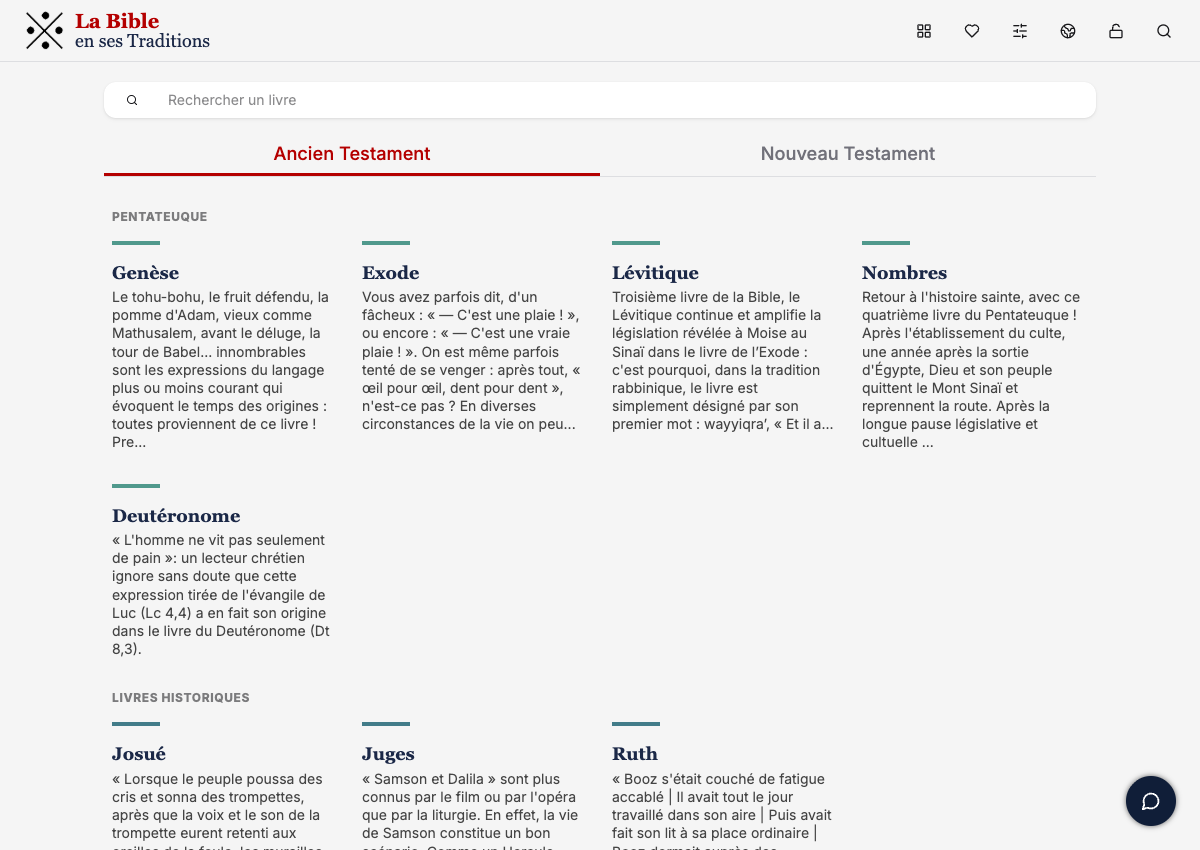
Library → New Testament → Old Testament → Genesis This is where you begin exploring the Bible. The Old Testament is currently open: books about the creation of the world, the history of Israel, wisdom and the prophets. The books are grouped into two Testaments. Select the New Testament tab. It brings together the Gospels, Acts, the letters and Revelation: books about Jesus Christ and the first Christian communities. Enter part of a book’s name in the search field. In the French example shown here, enter ar. In the New Testament, Marc — the Gospel of Mark — appears. This filter searches book names, rather than words in the biblical text. Without clearing the search field, select Old Testament. The filter stays in place, and the list now shows matches within the selected Testament. The results depend on the language of the book names. Delete ar from the search field or select the cross to clear it. The full list of Old Testament books appears again. Find Genesis, called Genèse in French, and select the book. Its page opens, with the introduction and available passages.1. Welcome to the library
2. Switch to the New Testament
3. Find a book using part of its name
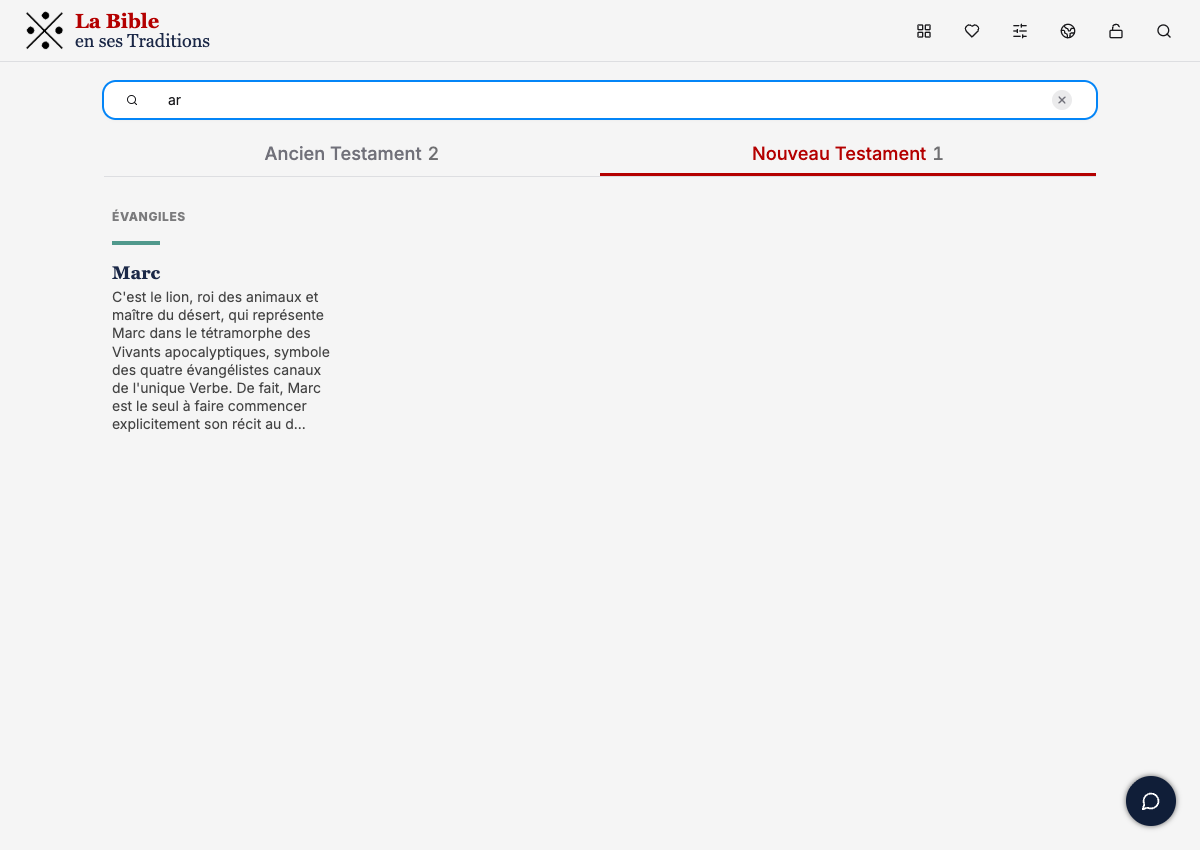
4. Switch to the Old Testament
5. Clear the filter
6. Open Genesis
See the book as a whole
Genesis / Genèse → Introduction → First chapter In the library, select Genesis / Genèse. This page offers passages from the book and an introduction to it. Choose a passage and read it. A pericope is a passage of biblical text that forms a unit of meaning; its boundaries do not necessarily match those of a chapter. On the Genesis page, find the introduction, À propos, to the right of the list of chapters and pericopes. Read it to see the book as a whole: the features of its text, its context and the history of its reception. Texte (Text) explores the structure and features of the book itself: its composition, language and textual transmission. Expand the section and read the explanations. Contexte (Context) explores the book’s historical, cultural and literary setting. Expand the section to understand the circumstances and world in which the text took shape. Réception (Reception) explores how the book has been read, interpreted and reinterpreted in later tradition. Expand the section and read the explanations. In the introduction, find Proposition de structure and select the Gn 1–11 link in the L’histoire primitive paragraph. A preview of the biblical text opens, without taking you to the chapter page yet. In the preview’s header, select the → arrow beside the biblical reference. The corresponding chapter page opens. Go back to the Genesis book page, with its introduction and choice of chapters. Select 1 in the book’s chapter list. The first chapter of Genesis opens. You now know how to start reading both from a link in the introduction and from the chapter list.1. Open the book’s page
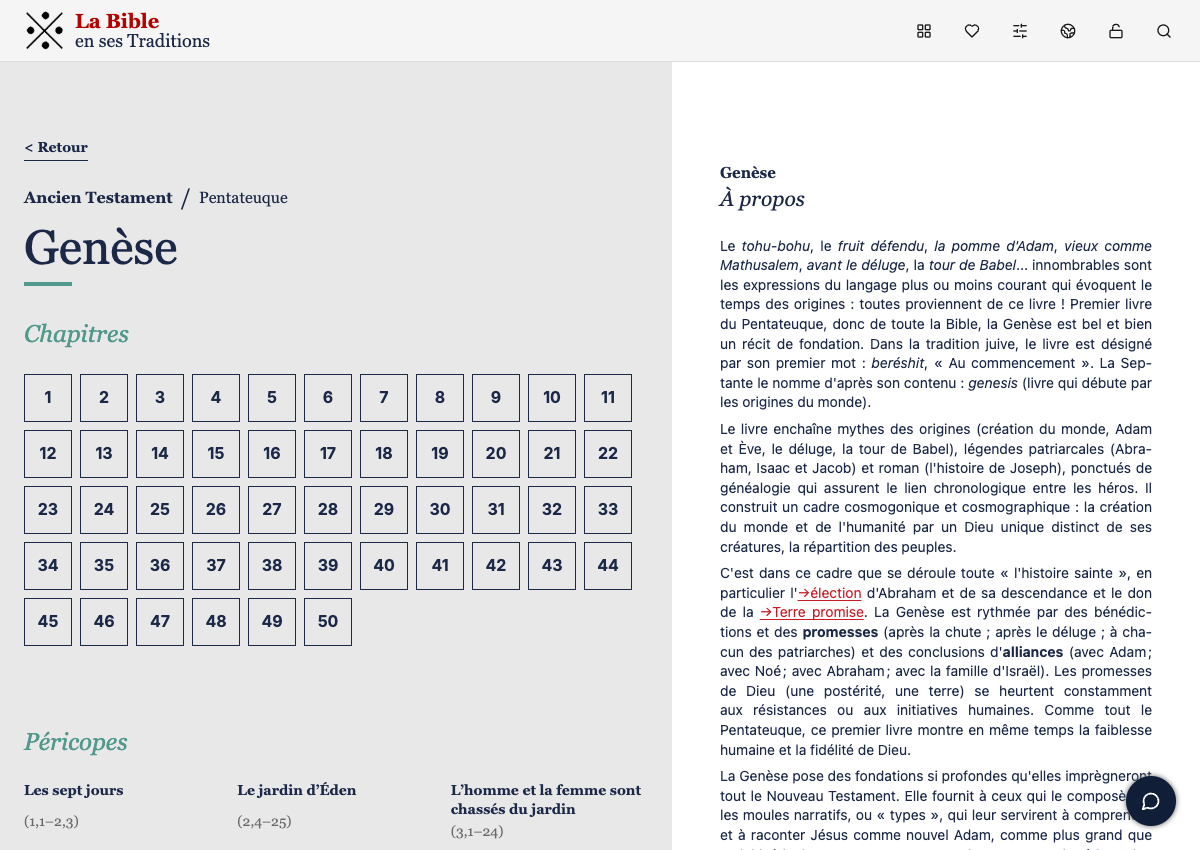
2. Open and read a pericope
3. Open and read the introduction
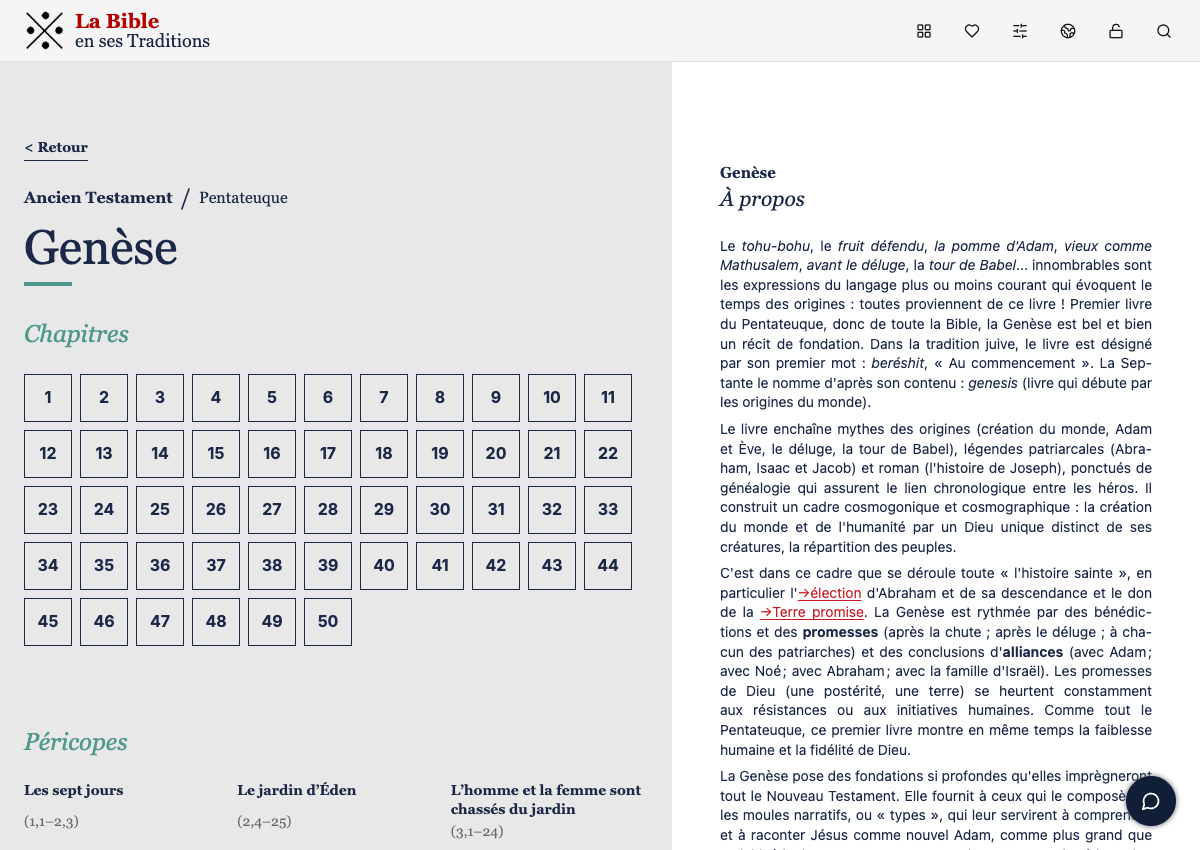
4. Expand Texte
5. Expand Contexte
6. Expand Réception
7. Preview the Gn 1–11 reference
8. Go from the preview to the chapter
9. Return to the book’s page
10. Open the first chapter